Secure document processing best practices: 2026 guide
Secure document processing best practices are the controls, policies, and technical measures that protect sensitive documents at every stage of their lifecycle, from capture through to deletion. In regulated industries, the stakes are high. A single misconfigured permission or an unencrypted temporary file can trigger a GDPR breach notification, a HIPAA penalty, or a loss of client trust that takes years to rebuild. This guide covers the specific controls that healthcare and finance professionals need, including encryption standards, access models, audit logging, and a comparison of leading intelligent document processing (IDP) tools for 2026.
1. What are the essential practices for secure document access and control?
Granular access control is the foundation of any credible document security programme. A one-size-fits-all permission policy creates unnecessary exposure. Different document types carry different risk profiles, and your controls must reflect that.

The most effective model is artifact-based. This means applying permissions to the specific output type, not just the document as a whole. An original scan of a patient record carries different risk than its OCR output. Treating them identically is a security gap.
Key controls to implement:
- Role-based access: Assign permissions by job function, not by individual. A billing clerk should never have the same access as a compliance officer.
- View-only modes: Prevent downloading or printing for documents that only need to be reviewed.
- Expiry dates on shared links: Sensitive file expiration should be set at 3–7 days for legal and financial documents, and 7–14 days for general proposals.
- M-of-N approval workflows: Require multiple authorised parties to approve access to the most sensitive documents. This prevents a single compromised account from causing a breach.
- Download restrictions: Block bulk exports from document repositories by default.
Pro Tip: Set your default sharing permission to “view only, no download” and require explicit justification to upgrade it. Most staff never need more than that.
For regulated financial workflows, KYC document handling requires particularly tight access controls because identity documents are high-value targets for fraud.
2. How does encryption protect documents in storage and transit?
AES 256-bit encryption is the current standard for protecting documents both at rest and during file transfer. Any document processing platform that does not confirm AES-256 for storage and TLS 1.2 or higher for transit should not be used in a regulated environment.
Encryption alone is insufficient, however. True security requires key separation. This means the system that stores your encrypted files must not also hold the decryption keys. If both are compromised together, encryption provides no protection at all.
Additional technical measures that matter:
- Encrypted processing environments: Documents should be processed inside isolated environments where temporary memory is cleared after each job.
- Zero-retention policies: Where possible, processed documents should not be stored server-side at all. Client-side processing eliminates this risk entirely.
- OCR working folder protection: Temporary files created during optical character recognition are often overlooked. These folders must be encrypted and purged automatically.
- Key management audits: Review who holds decryption keys and under what conditions they can be used. Rotate keys on a defined schedule.
Pro Tip: Ask any vendor to confirm in writing where decryption keys are stored and who can access them. If they cannot answer clearly, that is your answer.
Verifying encryption at every stage of the document lifecycle is not a one-time task. Build it into your quarterly security review.
3. What are best practices for audit logging and compliance evidence?
GDPR requires breach notification to supervisory authorities within 72 hours of discovery. That window is tight. Without a complete, queryable audit trail, you cannot establish what happened, when it happened, or who was involved. Your audit log is your compliance evidence.
The critical rule for audit logs is that they must record metadata only, never file contents. Logging the actual document data inside your audit trail creates a second copy of sensitive information, which doubles your exposure. Log timestamps, operation type, user ID, success or failure status, and IP address. Nothing more.
A well-structured audit log records:
- Document upload events, including file name hash and uploader identity
- View and download events, with timestamps and device information
- Permission changes, including who made the change and what it was changed from
- Expiry and deletion events, confirming when documents were removed
- Failed access attempts, which are often the earliest signal of a breach
Anomaly detection is the next layer. If a document is accessed repeatedly after its expiry date, or if a single account downloads an unusual volume of files in a short period, your monitoring system should flag it automatically. Audit trails in data handling are not just a compliance checkbox. They are an active security tool.
Preserve audit logs alongside the documents they reference. During a regulatory investigation, auditors expect to see both together.
4. Which lifecycle management policies reduce document exposure risk?
Document security failures do not only happen at the point of access. They happen throughout the lifecycle, from the moment a document is scanned to the moment it is permanently deleted. Mapping your document processing flow end to end reveals risk points that point-in-time controls miss entirely.
Temporary caches and OCR working folders are among the most common sources of unintentional data leakage. These files are created automatically during processing and are rarely included in standard security policies. They must be encrypted, tracked, and purged on a defined schedule.
Retention schedules must be set by document class and jurisdiction. A patient consent form in the UK is subject to different retention rules than a mortgage application. Applying a single retention period across all document types is a compliance risk.
Redaction deserves special attention. Visual redaction is ineffective unless the underlying searchable text layer is permanently removed. A black box drawn over a name in a PDF does not delete the text. Anyone with basic PDF editing tools can remove the overlay and read the original content. Effective redaction requires removing the text layer itself.
| Lifecycle stage | Key risk | Recommended control |
|---|---|---|
| Capture and scanning | Device-level data leakage | Encrypt scanner memory; purge after each job |
| Processing and OCR | Temporary file exposure | Auto-delete working folders post-processing |
| Storage | Unauthorised access | AES-256 encryption with key separation |
| Sharing and distribution | Over-permissioned access | Expiry dates and view-only defaults |
| Retention and deletion | Non-compliant retention | Class-based schedules with verified deletion |
Data minimisation applies to logs and reports as well. Only capture the fields you need for compliance purposes. Every additional data point is an additional liability.
5. How do modern tools compare for secure document processing?
The IDP market has matured significantly. The leading platforms now compete on security certifications and compliance readiness, not just extraction accuracy. For regulated industries, those certifications are the deciding factor.
Hyperscience achieves up to 99.5% extraction accuracy with 98% automation and FedRAMP High compliance, which covers 421 security controls. FedRAMP High is the benchmark for US federal data. It signals a level of security rigour that most enterprise platforms do not reach.
| Platform feature | What to look for | Why it matters |
|---|---|---|
| Extraction accuracy | 99%+ with human-in-the-loop fallback | Reduces manual handling of sensitive documents |
| Compliance certification | FedRAMP High, ISO 27001, SOC 2 Type II | Confirms independent security verification |
| Deployment options | On-premises, private cloud, or client-side | Determines where data physically resides |
| Audit trail support | Metadata-only logging with export capability | Required for GDPR and HIPAA evidence |
| EU AI Act readiness | Documented model governance and transparency | Increasingly required for EU-regulated workflows |
Deployment model is a critical choice. Cloud-based platforms offer convenience but require you to trust the vendor’s infrastructure. On-premises deployment keeps data within your own environment. Client-side processing, where documents are processed inside the user’s browser without ever reaching a server, offers the strongest privacy guarantee for regulated industries.
For healthcare professionals, clinical document confidentiality requirements add another layer of complexity that generic IDP platforms often fail to address adequately.
Key takeaways
Secure document processing in regulated industries requires layered controls across access, encryption, audit logging, and lifecycle management, with no single measure sufficient on its own.
| Point | Details |
|---|---|
| Use artifact-based access control | Apply permissions by document type and output, not just by user role. |
| Separate encryption keys from storage | Storing keys alongside encrypted files removes all protection if both are compromised. |
| Log metadata only in audit trails | Recording file contents in logs creates a second copy of sensitive data and doubles exposure. |
| Purge temporary and OCR files automatically | Working folders are a common leakage point that standard security policies routinely miss. |
| Verify redaction removes the text layer | Visual black-box redaction does not delete underlying text in PDFs and must not be relied upon. |
Why most document security failures are self-inflicted
Security complexity is the enemy of compliance. I have reviewed document workflows across healthcare trusts and financial services firms, and the pattern is consistent. Organisations build elaborate classification systems with fifteen or more sensitivity labels, then watch staff route everything through personal email because the official system is too cumbersome to use.
Simple policies outperform complex ones every time. Fewer than ten classification labels, clear rules for each, and a default of maximum restriction. That is the model that actually gets followed. Anything more complex creates shadow IT, and shadow IT is where breaches happen.
The second failure I see repeatedly is treating redaction as a visual task. Teams spend time carefully placing black boxes over names and account numbers, then share the PDF without ever testing whether the underlying text is still searchable. It takes thirty seconds to check. Most never do.
The third gap is artifact leakage. Organisations audit their primary document repositories thoroughly but ignore the OCR working folders, the printer spools, and the browser download caches. Those files contain the same sensitive data. They just live somewhere nobody is watching.
My recommendation is to run a full lifecycle audit before you invest in any new tool. Map every place a document touches, including the temporary ones, and apply controls there first. Technology is only as good as the process it sits inside.
How Docpolish supports secure document handling for regulated industries
Docpolish is built specifically for the compliance requirements that healthcare, legal, and finance professionals face every day. Its client-side PII detection and anonymisation means sensitive data never leaves your browser before being processed. After anonymisation, documents are sent to an AI engine for polishing, and the original PII is restored in the final output. Every processed document receives a trust identifier, creating the audit trail that regulators expect.
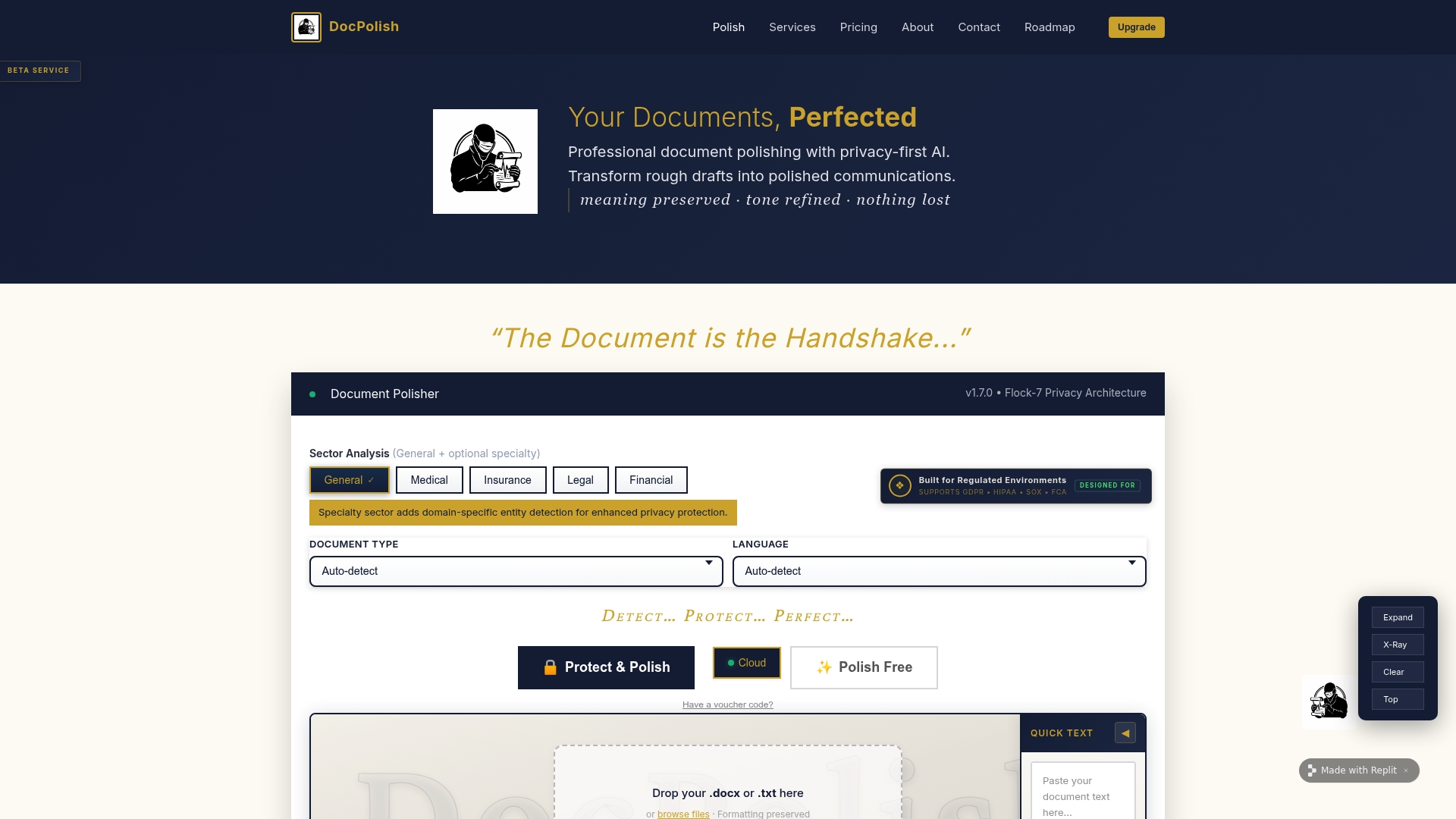
For teams handling loan document processing or any high-volume regulated workflow, Docpolish removes the tension between document quality and data protection. Visit the Docpolish platform to see how it fits your compliance requirements.
FAQ
What is the 72-hour rule in document security compliance?
GDPR requires organisations to notify supervisory authorities within 72 hours of discovering a personal data breach. A complete audit trail is the primary evidence used to establish the timeline and scope of any incident.
Why is visual redaction not enough for secure documents?
Visual redaction places a black box over text but does not remove the underlying searchable text layer in a PDF. Anyone with basic editing tools can remove the overlay and read the original content. Effective redaction must permanently delete the text layer itself.
What encryption standard should regulated industries use?
AES 256-bit encryption is the current standard for documents at rest, combined with TLS 1.2 or higher for documents in transit. Key separation, storing decryption keys separately from encrypted files, is equally important.
How long should shared document links remain active?
Legal and financial documents should expire within 3–7 days. General proposals and lower-risk documents can use a 7–14 day window. Setting shorter expiry periods by default reduces the window of exposure if a link is forwarded without authorisation.
What makes client-side document processing more secure?
Client-side processing means documents are handled inside the user’s browser rather than uploaded to a server. Sensitive data never travels across a network or sits in a vendor’s storage environment, which removes an entire category of interception and storage risk.